
How Belfast community groups are getting posters and photos ready for newsletters and noticeboards
Every week, community groups across Belfast and Northern Ireland produce the same things: a poster for a coffee morning, a photograph from a youth club trip, a logo for a charity fun run, and a newsletter to send out by email. The work is often done by volunteers, on different phones and laptops, in a hurry — and the files do not always behave.
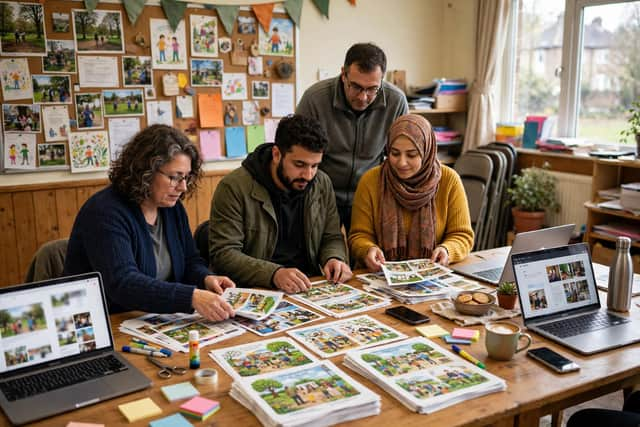

A poster made on one phone may arrive as a PNG that is too large to email. A photograph taken on an iPhone may arrive as a HEIC file that a volunteer's older laptop cannot open. A logo with a white background may look fine on a poster but untidy when it is placed on a coloured newsletter header. These are small problems, but they take up a lot of volunteer time.
The fix is usually to keep one good master file, and then make smaller copies for each use. Keep the original poster or photograph at full quality. From it, export a JPG for email and social media, because JPG files are small and open everywhere. Use PNG for a logo or any graphic where sharp text matters, and where you need a transparent background. For a website or an online newsletter, WebP is worth trying: it often makes a smaller file than JPG at similar quality, so pages and emails load faster.
A common fix is to keep one high-quality master poster, then export smaller JPG or WebP copies for email, social media and the hall noticeboard. An image converter can change the format of a poster or photo in the browser, which helps volunteers who are sharing files between different phones and laptops.
It also helps to agree a simple naming system. A file called poster-final-v3-USE-THIS-ONE.jpg causes confusion; a file called 2026-11-21-coffee-morning-poster.jpg does not. Put the date first, then the event, then the use — poster, email, or social — so anyone opening the shared folder can find the right version without asking.
Before sending a newsletter, check the images on a phone as well as on a computer. A photograph that looks fine on a laptop can be too dark, too large, or cropped oddly on a phone screen. Send a test email to yourself first, open it on your phone, and check that every picture loads and every caption is readable.
For community groups in Belfast, Derry/Londonderry, Armagh and beyond, these steps do not need new software or a budget. They need a shared routine: one master file, the right format for each place it will be seen, and a clear filename. That way, the poster on the hall door, the photo in the newsletter, and the post on social media all show the community at its best.